IPTV on Firestick: set up in 3 minutes
Every Fire TV Stick and Fire TV Cube runs IPTV well once it’s set up right. This is the current, official-store method — which player app to pick, exact Xtream Codes setup steps, and fixes for the buffering and freezing issues that actually happen on Firestick.
Reviewed by iBostreaming Test & Editorial · real-device testing method & disclosure
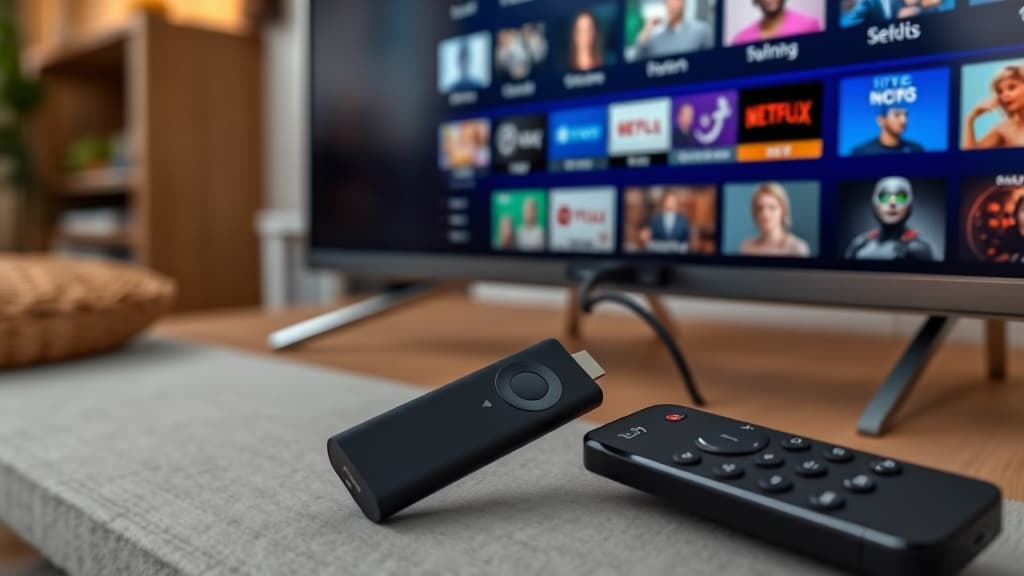
Which Fire TV devices this covers
The setup below works identically across the whole Fire TV lineup:
- Fire TV Stick (all generations)
- Fire TV Stick 4K & 4K Max
- Fire TV Cube
- Fire TV Stick Lite
- Fire TV built-in Smart TVs (Insignia, Toshiba, Amazon Omni/4-Series)
Install in 3 steps
About three minutes. You’ll need the Xtream credentials from your subscription email — with iBostreaming they arrive within seconds of signing up.
Install TiviMate from the Amazon Appstore
Search "TiviMate IPTV Player" in the Fire TV home screen search or the Appstore app. It’s an official Appstore listing — free to install, no sideloading or "unknown sources" toggle needed.
Add playlist → Xtream Codes
Open TiviMate → Add playlist → choose "Xtream Codes". Enter the username, password and server URL from your subscription email. Xtream mode loads the full guide and sorts channels by category; a plain M3U link doesn’t.
Browse your channels
40,000+ channels and the 7-day guide load in seconds. Use the Fire TV remote’s D-pad to browse categories exactly like normal TV.
Not sure what “Xtream Codes” or “EPG” actually mean? Check the glossary →
Other player apps that work on Firestick
TiviMate isn’t the only option — the same iBostreaming subscription loads into any of these:
IPTV Smarters Pro
Simpler setup than TiviMate, same Xtream login. Good pick if you want the same app on your phone too.
iBo Player Pro
Clean, fast-loading layout — a solid alternative if TiviMate’s guide feels busy on a smaller TV.
Buffering, freezing & remote fixes
The four issues that come up most on Firestick specifically — not generic IPTV troubleshooting.
Buffering during live sport
Peak-time buffering on Firestick is almost always the streaming server, not the device. Test another channel — if it’s stable, the original channel’s server was overloaded, not your setup.
"Storage full" during install
Fire TV Sticks (especially older/Lite models) ship with limited storage. Settings → My Fire TV → Applications → uninstall unused apps, then retry the TiviMate install.
App freezes or crashes on launch
Settings → Applications → Manage Installed Applications → TiviMate → Clear cache. This fixes most post-update freezes without losing your playlist.
Remote won’t control playback
Re-pair the remote: hold the Home button 10 seconds, or unplug the Fire TV for 30 seconds and reconnect. HDMI-CEC conflicts with some TVs can also cause this — try disabling CEC in your TV’s HDMI settings if it persists.
IPTV on Firestick: your questions, answered
The questions we’re asked most about IPTV on Fire TV devices.
What is the best IPTV player for Firestick?
TiviMate is the most popular choice for Firestick and Fire TV — it has the cleanest programme guide and, with the paid Premium tier, recording and multi-view. IPTV Smarters Pro is a close second if you want the simplest setup or the same app across your phone and TV. Both install officially from the Amazon Appstore.
Do I need to sideload anything or enable "unknown sources"?
No. TiviMate, IPTV Smarters Pro and iBo Player Pro are all official Amazon Appstore listings now — search and install like any other Fire TV app. Sideloading via a separate installer app was only needed years ago before these apps were officially listed.
How do I add my IPTV subscription to TiviMate on Firestick?
Open TiviMate → Add playlist → Xtream Codes, then enter the username, password and server URL emailed to you when you subscribed. The channel list and guide load automatically — no manual channel-by-channel setup.
Why does my IPTV keep buffering on Firestick during big matches?
This is a server-side issue, not your Firestick. When a huge audience hits one stream at once, an under-provisioned server chokes. A reliable IPTV service runs backup streams for major sporting events specifically to avoid this — worth checking before assuming it’s your setup.
Does this work on the cheapest Fire TV Stick (Lite)?
Yes — all Fire TV Stick models, including Lite, run TiviMate and the other player apps fine. The Lite model has less onboard storage, so if install fails with a storage error, uninstall unused apps first.
Can I use the same subscription on my Firestick and my phone?
Yes, up to your plan’s number of screens. A 2-screen plan lets your Firestick and your phone stream at the same time with the same login; upgrade to more screens if your household needs more devices simultaneously.
Your Firestick is ready — it just needs channels.
40,000+ channels, all the sport in 4K, 200,000+ movies. Xtream credentials by email, instant activation, and a 14-day money-back guarantee.