
IPTV glossary: the terms every setup guide uses
Xtream Codes, M3U, EPG, VOD — every player and setup guide on this site uses these terms. Here’s what each one actually means, in plain English, with a link to where it applies.
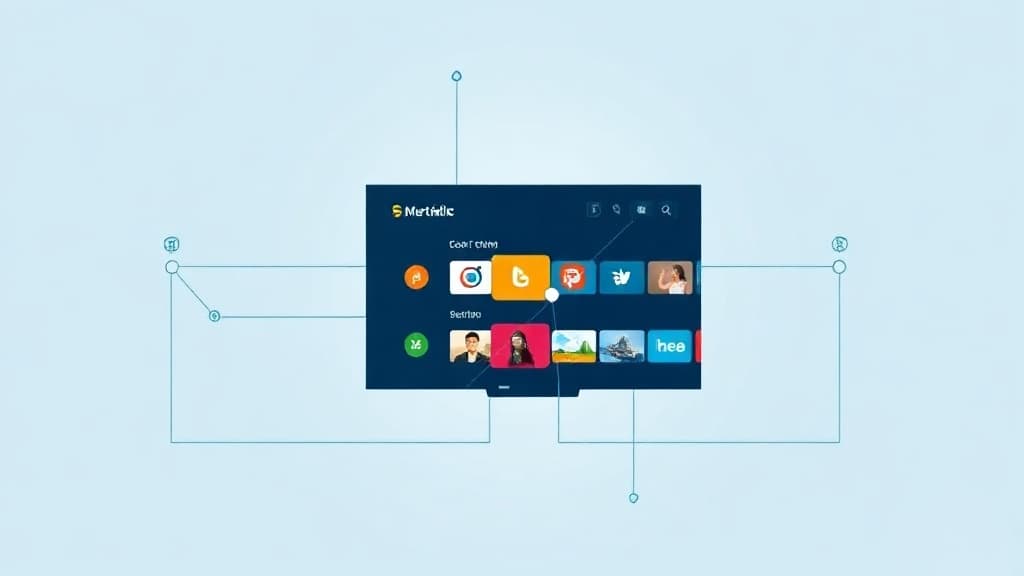
IPTV
Television delivered over the internet instead of satellite, cable or a broadcast antenna.
IPTV stands for Internet Protocol Television. Instead of receiving channels through a satellite dish, a cable box, or a terrestrial antenna, the video is streamed to you over a normal internet connection — the same way Netflix or YouTube delivers video, but organised as live channels with a programme guide rather than an on-demand library.
An IPTV subscription (the channels) and an IPTV player app (the software that plays them, like TiviMate or IPTV Smarters Pro) are two separate things — see Wikipedia’s IPTV article for the full technical background.
Xtream Codes
The login method (username, password, server URL) that loads a full channel list and programme guide into a player app.
Xtream Codes API is the most common way an IPTV player app connects to a subscription. You enter three things — a username, a password, and a server URL — and the app pulls in the full channel list, sorts it by category, and loads the programme guide automatically.
It’s the preferred login method over a plain M3U link for exactly that reason: Xtream mode carries category and guide data with it; a bare M3U link is just a channel list with no structure or schedule attached. Every iBostreaming subscription ships Xtream Codes credentials by email.
M3U (M3U8)
A plain-text playlist file format listing stream URLs — the older, simpler alternative to Xtream Codes.
M3U (and its variant M3U8) is a plain-text file format that lists stream addresses, one per line. It’s the original, simplest way to load channels into a media player — VLC, for instance, plays an M3U link directly with no dedicated IPTV app needed.
The trade-off: an M3U link carries the channel list but not the programme guide or category sorting that Xtream Codes provides. Most player apps accept both — M3U is the fallback option when Xtream Codes isn’t available or when using a general-purpose player like VLC.
EPG (Electronic Programme Guide)
The on-screen TV schedule showing what's on now and next, across every channel — the same idea as a cable box guide.
EPG stands for Electronic Programme Guide — the grid showing what’s currently airing and what’s coming up next on each channel, exactly like the guide on a cable or satellite box. A good IPTV player shows the EPG several days ahead, not just the current programme.
The EPG only populates correctly when the subscription is loaded via Xtream Codes — a plain M3U link typically won’t carry guide data at all, which is the single most common reason someone’s “channels work but the guide is empty.”
VOD (Video on Demand)
The movies-and-series library alongside live channels — watch anytime, not tied to a broadcast schedule.
VOD stands for Video on Demand — the on-demand film and series library that sits alongside live channels in an IPTV subscription. Unlike live TV, VOD content isn’t tied to a broadcast time: browse and play whatever’s in the library whenever you want, the same way you’d use Netflix, just accessed from inside your IPTV player app instead of a separate app.
Now you know the terms — ready for channels?
40,000+ channels, all the sport in 4K, 200,000+ movies. Xtream credentials by email, instant activation, 14-day money-back guarantee.